Kakobuy Spreadsheet listings that share a sneaker photo
Two rows show the same shoes. Work out which exact variant and photo you can verify before you compare the offers.
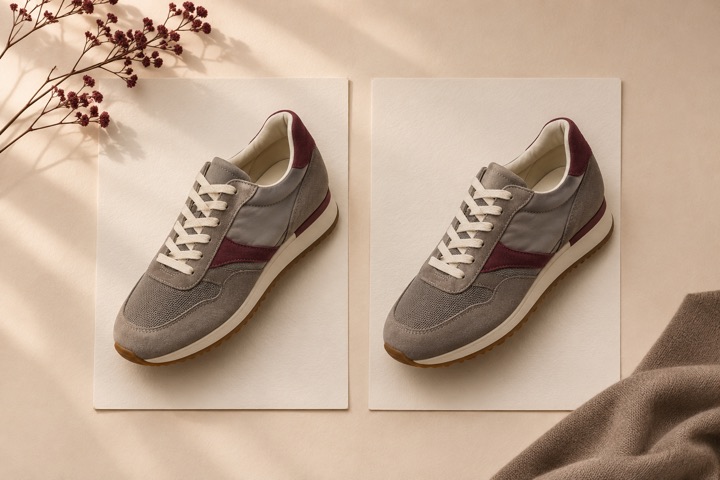
Record what changes when you select a variant
Open the two listings and pick the exact size and colour on each. Note whether the price, product code, thumbnail or availability changes. Open the gallery image again after the selection. If the image stays the same while the thumbnail and code change, treat the large image as a catalogue view until you know what it shows.
Imagine both cards show a white sneaker with a tan sole. One selected variant says white with gum sole, while the other says white with rubber sole and has a greyscale thumbnail. Ask the second seller to show the selected pair from the side with the size label visible in a separate shot. The product question is the sole colour of that exact version.
Compare what you can verify
Keep the two listing addresses, the selected variant names and the date you checked them. Save the answer next to the correct one. If the second listing proves to have a different sole, carry that distinction into the shortlist so the cheaper pair does not silently replace the one you meant to buy.
When both options have the same variant and comparable evidence, compare item price, availability and any genuine differences in the offer. If either seller is unable to show the chosen option, keep that uncertainty in your decision. Identical pictures can help you find comparison candidates. The selected variants are what you can order.